
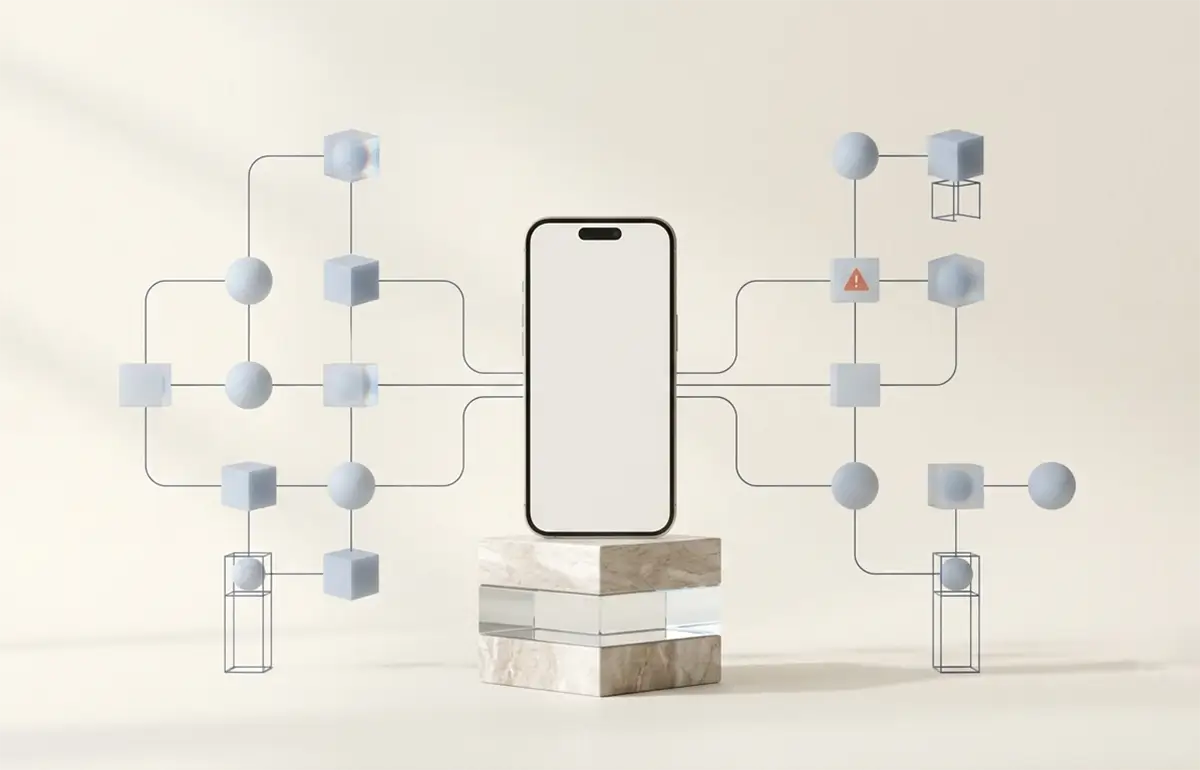
We tend to assume that a phone is safe as long as we avoid suspicious links, unknown apps and careless password sharing. The reality is less comfortable: in some attacks, the device itself is not compromised at all. Instead, the mobile network is misled.
That is what makes these attacks particularly dangerous. The phone may continue to work normally while calls, text messages and login codes are quietly routed elsewhere. The goal is not to create panic, but to explain what SMS-based two-factor authentication actually protects, where its limits are, and when a safer alternative makes sense.
TL;DR
Compromising a phone does not always require malware or a careless click. Some attacks exploit the mobile network itself, allowing calls and text messages to be redirected without the device showing anything unusual. SMS-based two-factor authentication is still better than nothing, but an authenticator app, passkey or hardware security key is safer where available.
It started with a phone call to the Pope
Long before Apple, Steve Wozniak and Steve Jobs experimented with a device known as a blue box. It used specific audio frequencies to fool old telephone networks and place long-distance calls without paying for them.
According to the story, they once pretended to be Henry Kissinger, called the Vatican and almost managed to have the Pope woken up. The joke ended when they could no longer keep themselves from laughing.
How could that possibly work? In older systems, the signals used to control the network travelled on the same line as the voice itself. In plain language, the conversation and the network commands used the same pipe. If someone could generate the right tone, the system might believe it was hearing instructions from part of the telephone network rather than from two young pranksters.
This matters because the logic is similar today. You do not always have to hack the phone. Sometimes it is enough to mislead the network.

A phone is not just a phone
When you call someone, a direct wire does not simply appear between the two devices. In the background, the mobile network has to determine who you are, which provider you belong to, where the device is located, whether it is roaming and where the call or text message should be routed.
This work is handled by signalling systems. One of the best known is SS7, short for Signaling System No. 7. You can think of it as the backstage conversation between telecom providers: “Does this subscriber belong to you?”, “Where are they right now?”, “Where should I send this call?”, “Who should receive this text message?”
SS7 was designed in a period when a small number of large telecommunications companies communicated with one another. The system was built on trust: if an operator was inside the network, the others generally assumed its requests were legitimate.
That worked reasonably well at the time. Today, thousands of networks, virtual operators, intermediaries and technical partners are connected. The trust model did not become stronger with age; half the planet was simply built around it. And that is usually when old assumptions start producing new problems.
How can a call be redirected?
When you roam, the network needs to know that your phone is connected through a foreign provider. Operators exchange information about the subscriber's location and about where calls and messages should be sent.
If an attacker obtains the right kind of access, certain networks may accept false information. The system can be made to believe that the phone is somewhere else and route calls or text messages toward another endpoint.
Imagine someone changing the delivery address on an envelope just before it arrives. The sender wrote your name correctly, the message was intended for you, yet the system decides it belongs somewhere else.
Your phone remains with you. Nothing has been installed, you did not open anything, and you may receive no warning that a call or message failed to arrive. That is the particularly unpleasant part: the victim often does not see something suspicious. They see nothing at all.
In practice, that can mean an attacker who knows your phone number and has the required SS7 access may temporarily cause the network to forward your SMS messages elsewhere. Your device may continue to work normally. No smoke, no flashing red alert, no helpful message saying “congratulations, you are currently being intercepted”. Modern technology can do many things. Honesty is not always one of them.
The central point is this: the phone itself is not always the target. Sometimes the target is the system deciding what should reach the phone.
How can someone “intercept” your text messages?
This is the part people find most interesting, and understandably so, because many assume that an SMS goes straight to their own phone and is therefore inherently safe. Reality is less romantic.
When a service sends you a code by text message, the message does not teleport onto your screen. It moves through the service's systems, through SMS delivery infrastructure, through links between mobile providers, and finally the network decides which centre and which route should deliver it to your SIM card.
If someone can manipulate that routing, the message may reach them first. Not necessarily forever; sometimes a few seconds or a few messages are enough. In the world of two-factor authentication, that can be all an attacker needs.
Take a very ordinary example. Suppose someone already has your email password because an old website suffered a data breach and you reused the same password there. They try to log in, but the service sends you an SMS verification code. Under normal circumstances, the attack would stop there.
If, however, the attacker can make that single text message arrive to them instead, they enter the code, sign in and gain access. You might notice only that something odd happened. Or not even that. In reality, the attack often looks less like a dramatic hacker movie and more like quietly stealing one important letter from your mailbox.
It is also worth clarifying that SMS interception is not the same thing as a SIM swap. In a SIM swap, the attacker convinces the provider to activate your number on a new SIM card. In an SS7-style attack, the problem may instead lie in how the network routes traffic or interprets your location.
So SMS-based 2FA is not useless. It is far better than having no second factor at all. It is simply not the best option when you have a choice.
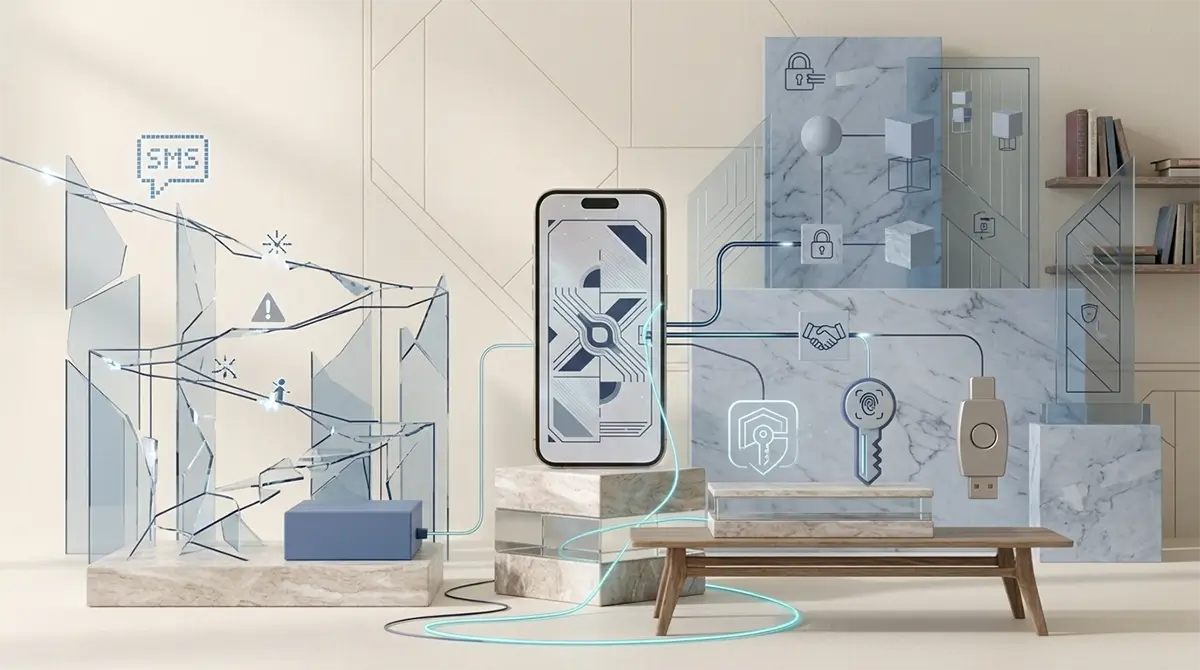
Why is SMS-based two-factor authentication weaker?
Two-factor authentication is a good idea. In addition to a password, it asks for another proof, such as a temporary code. It is essentially saying: “Fine, you know the password, but now prove you also possess the second factor.”
The weakness is not the idea of 2FA itself. The weakness appears when the second step is an SMS. A text message travels through the mobile network and inherits the weaknesses of that infrastructure.
An attacker usually still needs your password. They may obtain it through phishing, an earlier data breach or because the same password was reused across several sites. If they can then redirect the SMS code, the account's final barrier disappears as well.
That is why SMS-based 2FA is often a decent transitional solution. If it is the only option, turn it on. But where an authenticator app, passkey or physical security key exists, those are stronger choices.
Which 2FA method is better?
Authenticator app
Apps such as Google Authenticator, Microsoft Authenticator, 2FAS or Aegis generate the code locally. It does not travel through the mobile network by SMS and cannot simply be redirected through a typical SS7 attack.
Passkey
A passkey does not send you a six-digit code. Your device uses a secret cryptographic key to prove that you are the person signing in. It is usually simpler for the user and much harder for an attacker to steal or capture through phishing.
Physical security key
A USB or NFC security key is one of the strongest everyday options available. Signing in requires physical possession of the device.
Not everyone needs to start carrying a hardware key to the bakery tomorrow. But for email, password managers, banking services and important business accounts, stronger authentication is worth considering.
Can ordinary phone calls be intercepted?
A traditional mobile call passes through the operators' telephone infrastructure. If the route can be manipulated, the call may be redirected or intercepted by an intermediary.
End-to-end encrypted internet calls work differently. Signal and WhatsApp, for example, encrypt the content so that in principle only the participants' devices can read it.
This does not provide complete invisibility or remove every possible risk. But for sensitive conversations, it is a better choice than a standard mobile call.
What can you do in practice?
Use a different password for every service. A password manager is far more reliable than human memory, which can preserve an advertising jingle from twenty years ago but lose a new password in three minutes.
Enable two-factor authentication. If SMS is the only option, it is still better than nothing.
Where possible, switch to an authenticator app, passkey or security key.
Use end-to-end encrypted apps for important conversations.
Protect your mobile provider account too. Set a separate account PIN or password if your provider supports it.
Should you be worried?
There is no need to panic. A real mobile network attack requires specialised access, knowledge and money. The average user is still far more likely to be targeted through a fake parcel message, a weak password or a phishing page.
SS7 is still a useful example because it shows that digital security is not only about the phone in your hand. Behind it are old systems, new services and several decades of technological patchwork.
Most of the time, the result works. But “it works” does not always mean “it is secure”.
What should you do now?
Enable two-factor authentication.
Choose an authenticator app or passkey instead of SMS where possible.
Use unique passwords and a password manager.
Use end-to-end encrypted calls for sensitive conversations.
Your phone will not become impossible to compromise. Unfortunately, there is no setting for that. But you will close a significant number of the most realistic attack paths.